Get set up.
Download the Windows launcher. Choose a new game folder, or point it at your existing Revival installation.
THE COMMUNITY IS BACK
Same rush. Another round.
Laser League lives on through community servers, custom maps, and the people who never stopped playing.
Community revival project · Windows PC · Online + offline
RETURNING PLAYER OR FIRST TIMER
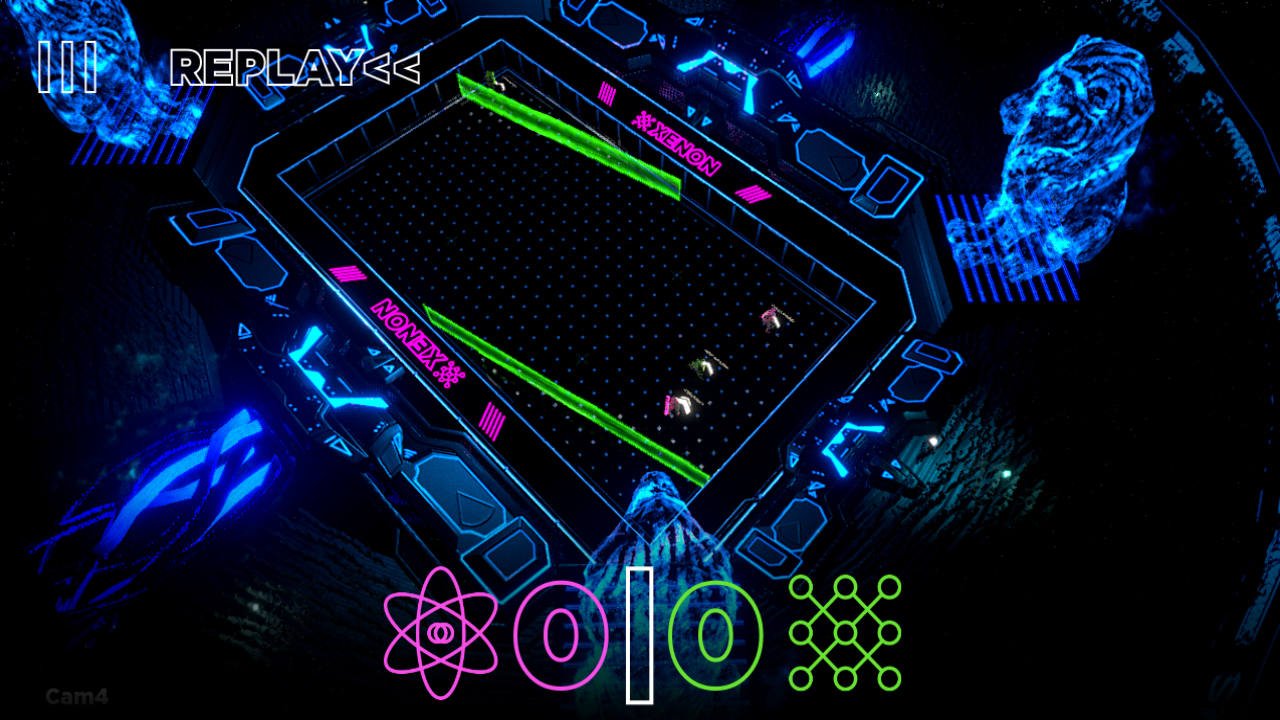
Capture nodes to claim their lasers. Dodge the other team’s color. Revive your teammates and stay in the fight.
Download the Windows launcher. Choose a new game folder, or point it at your existing Revival installation.
Open the web lobby and choose Join a server. Select US-East or EU-UK, or enter a friend’s address.
Choose your side, ready up, and meet in the arena. Pick the class that suits your team—and your next counterplay.
FAMILIAR GAME. NEW GAME NIGHTS.
Play team matches up to 4v4, challenge a friend in Duel, or fill empty places with bots.
Return to the official maps or try community creations. Vote for the next map together.
Choose your cosmetics and emotes from the in-game customization screen. Your selections carry into your matches.
PICK THE REGION NEAREST YOU
Both community servers are in the launcher’s server list. Use the manual address field to join another server or a friend hosting at home.
Choose US-East in the launcher.
Choose EU-UK in the launcher.
Looking for other players? Join the community on Discord ↗Community invite coming soon. Server availability can vary.
KEEP YOUR PLACE IN THE GAME
The Revival launcher installs and updates the Windows client, including online and offline play, then opens your web lobby. Keep your player name, cosmetics, emotes, and settings between releases.
Already playing? Keep your existing game folder. Select it in the launcher to reuse your installation.
NEED A HAND?
Installation, online ready-up, offline play, and Steam artwork—all explained in our player guides.
Visit the Help center →